B2B Solar Equipment Marketplace in India

pvmarket Spot Price

Above 3MW (FOB)

2026-10-29
ItemHighLowAvgChange
210mm Bifacial HJT Module0.1100.0970.098━0.000
182 mm TOPCON Bifacial0.1030.0910.096▲0.090

Below 3MW (FOB)

2026-10-29
ItemHighLowAvgChange
210mm Bifacial HJT Module0.1130.1000.101━0.000
182 mm TOPCON Bifacial0.1070.0940.099▲0.009

Latest Brands Listed

View All Brands

Novasys
Waaree
Solplanet
INVT
Sofar
Power & Sun
Jakson Solar

Latest Products

View All
Verified
600W
New Arrival
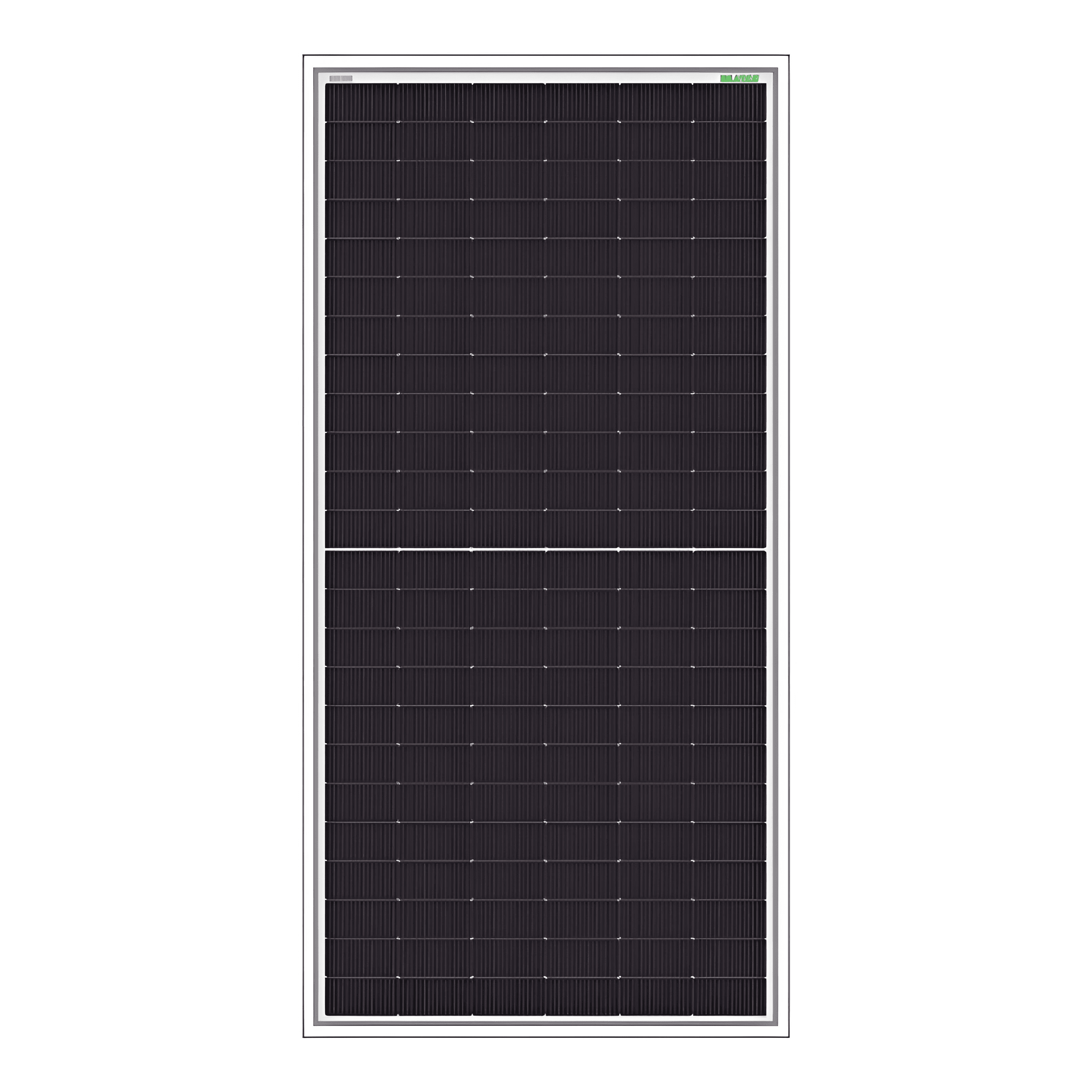
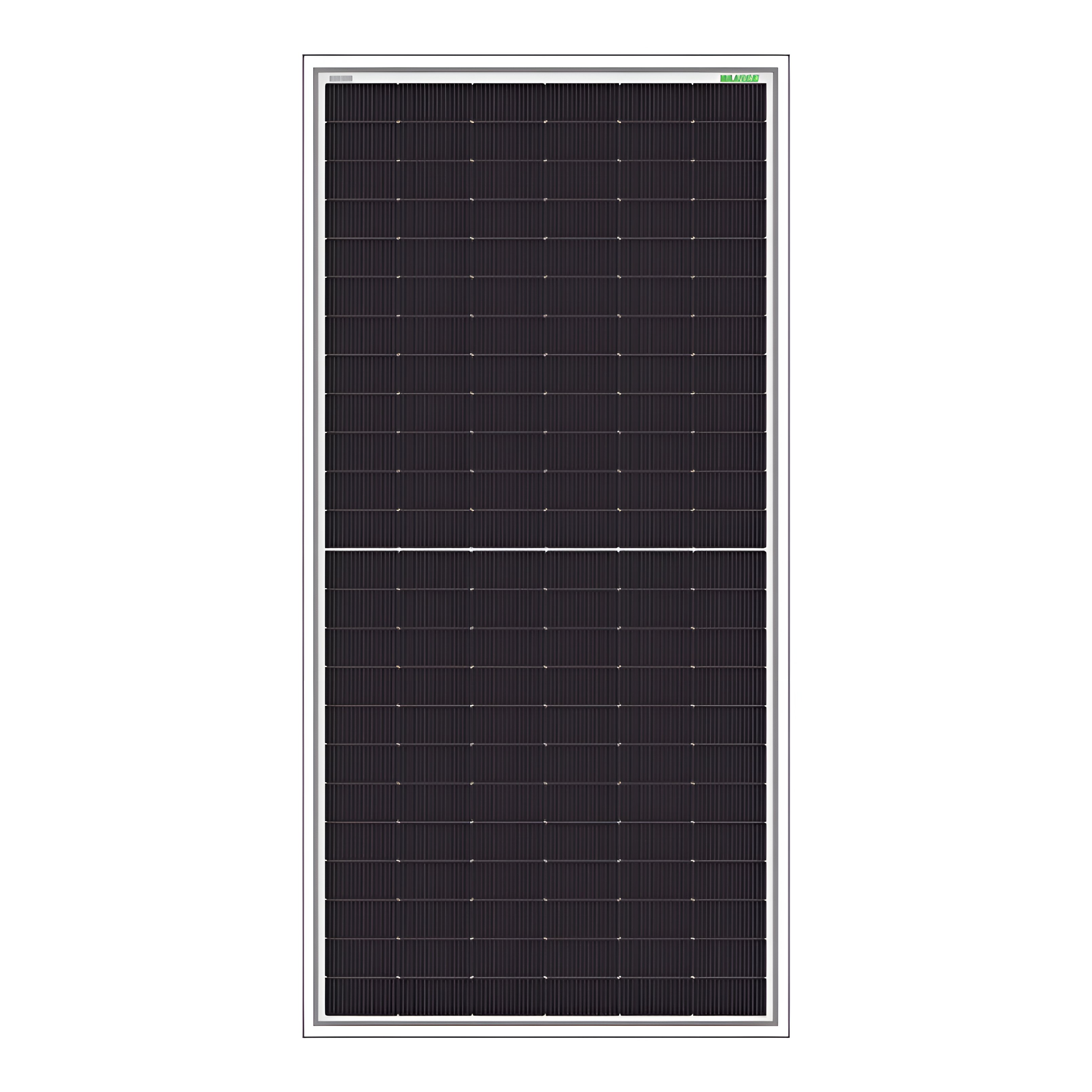
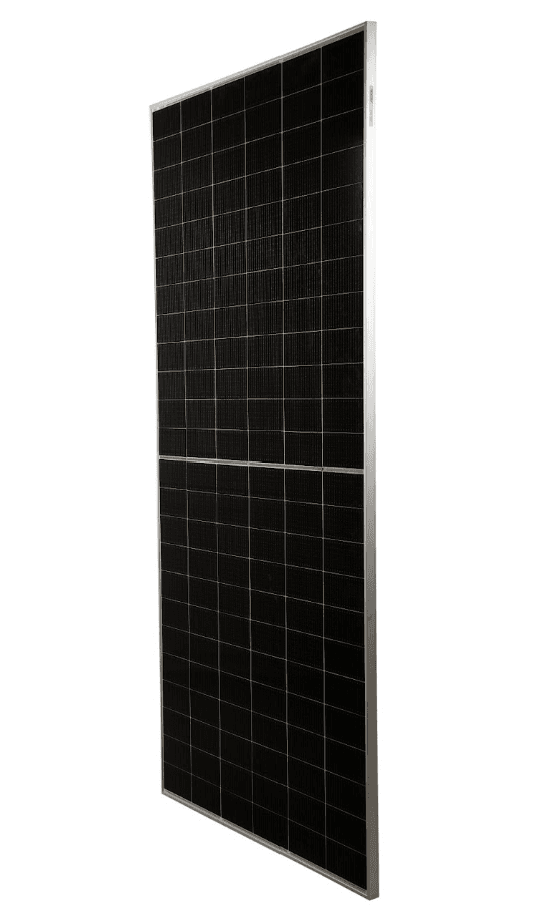
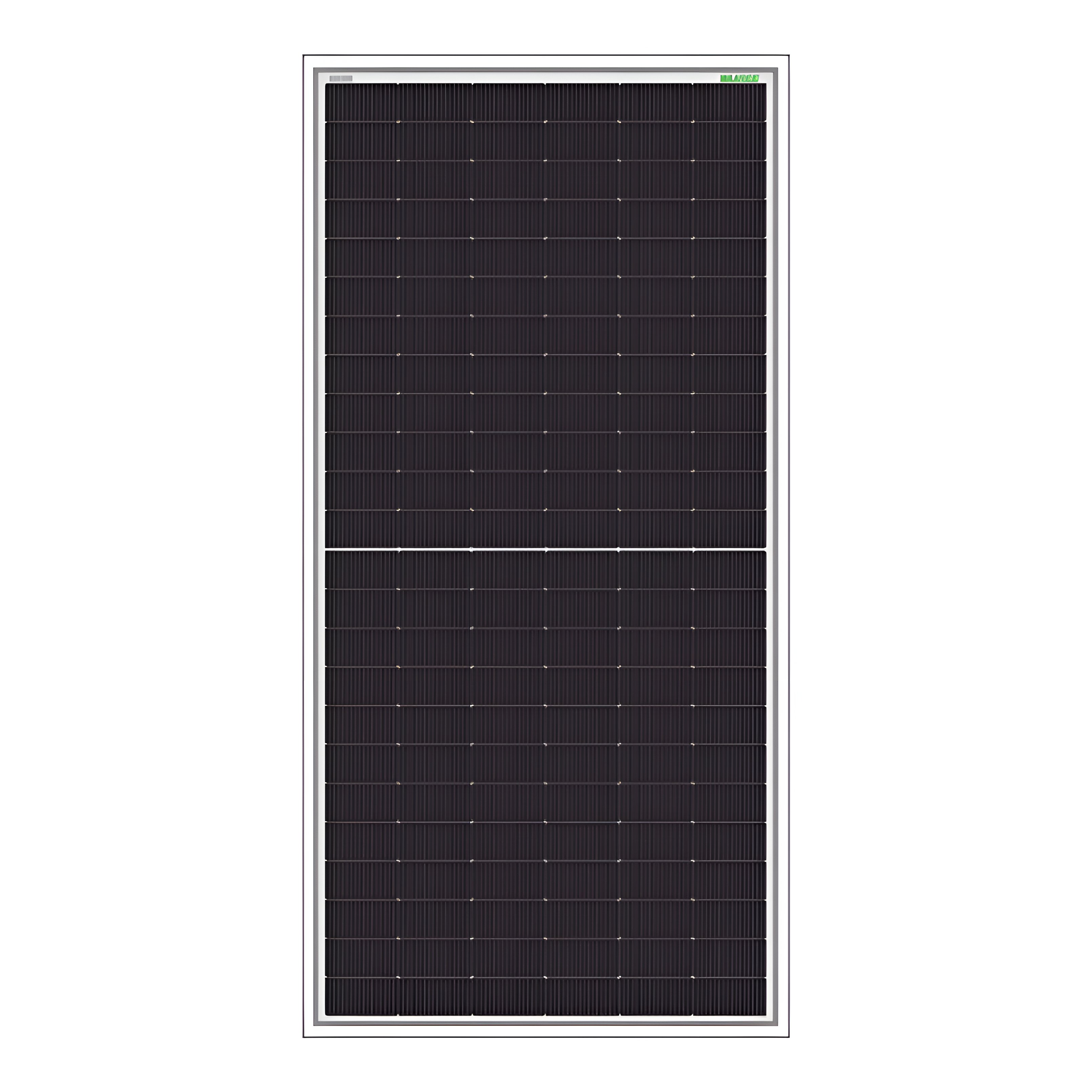
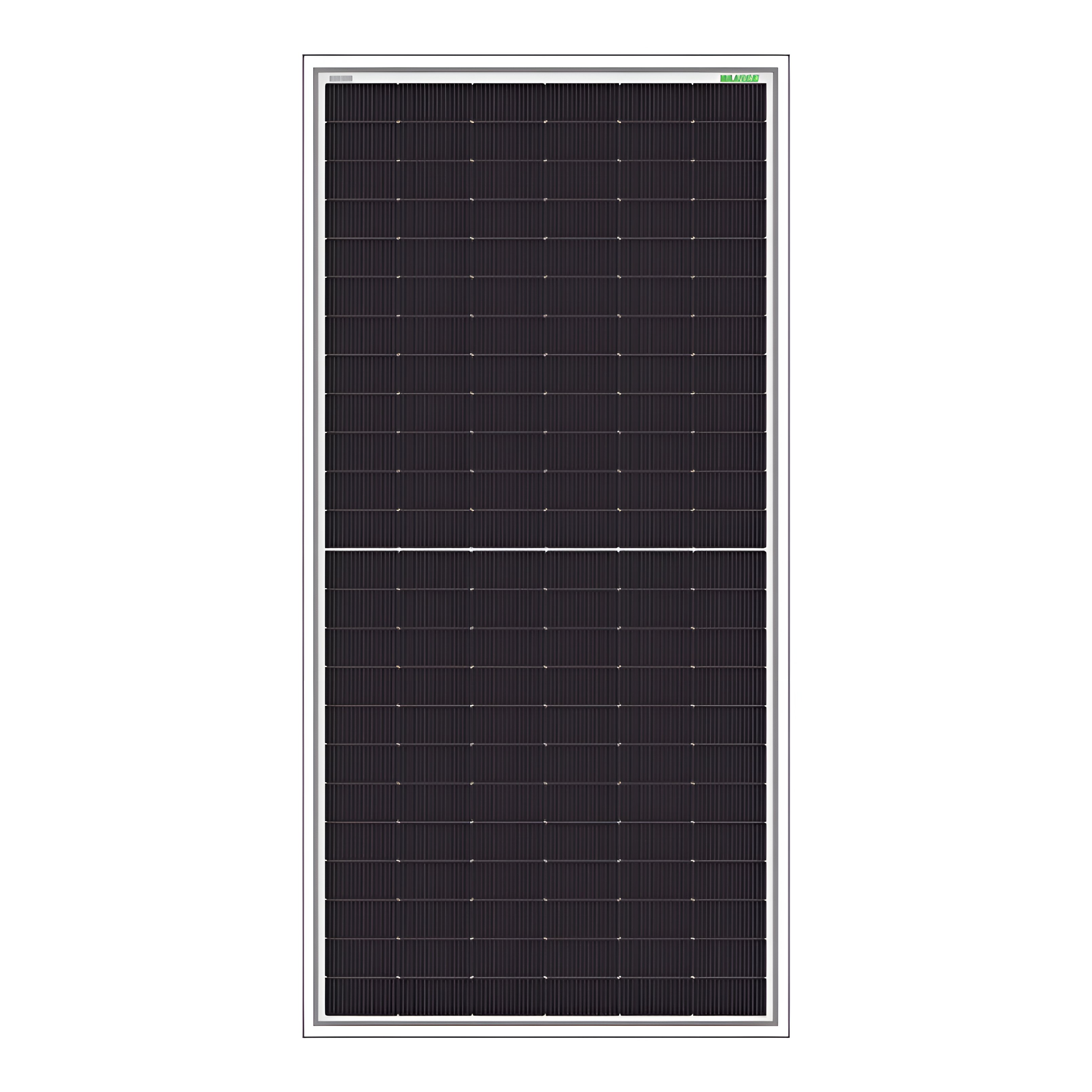
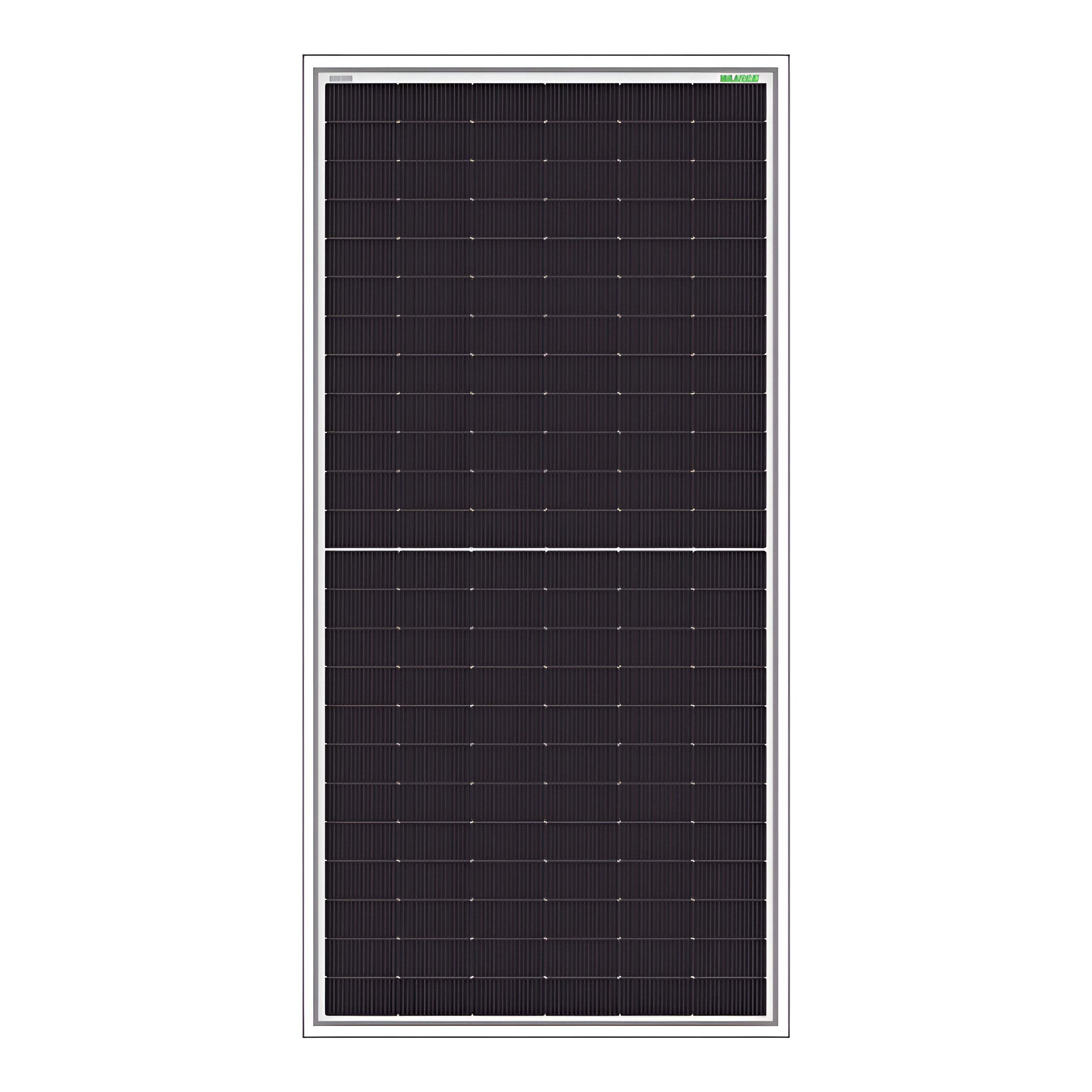
LYNX Halfcut TOPCon N-Type M10R Series
Solar panels

LYNX Halfcut TOPCon N-Type M10R Series

IndiaIndia

600Wp Half-Cut N-Type TOPCon M10R Bifacial Solar P...
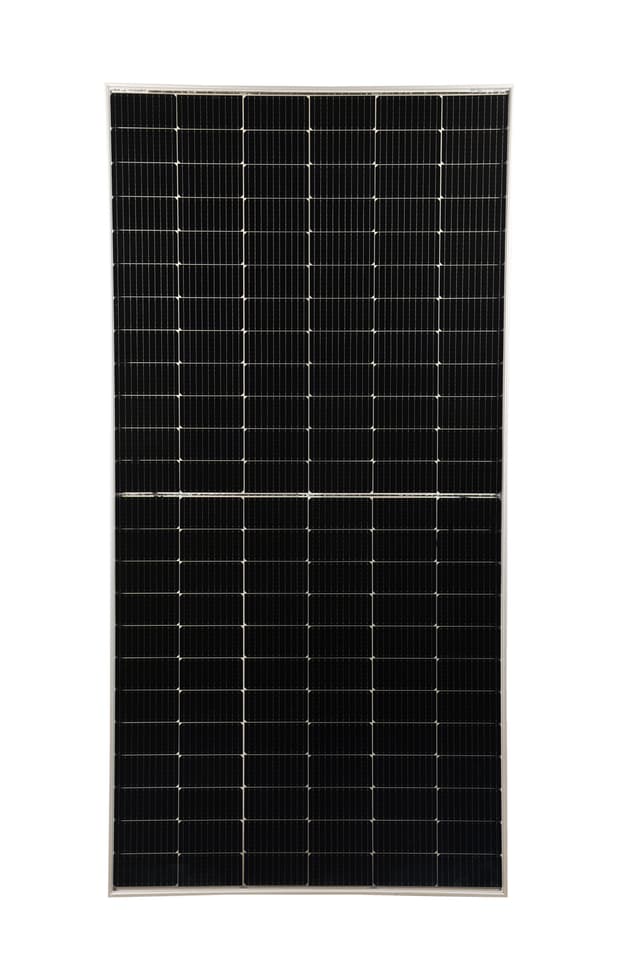
638 pcs
Verified
550W
New Arrival
Novasys Rigel Plus 550W Bi-Facial Half Cut Mono PERC 144 Cell
Solar panels

Novasys Rigel Plus 550W Bi-Facial Half Cut Mono PERC 144 Cell

IndiaIndia

Rigel Plus 550W is a bi-facial half-cut Mono PERC ...
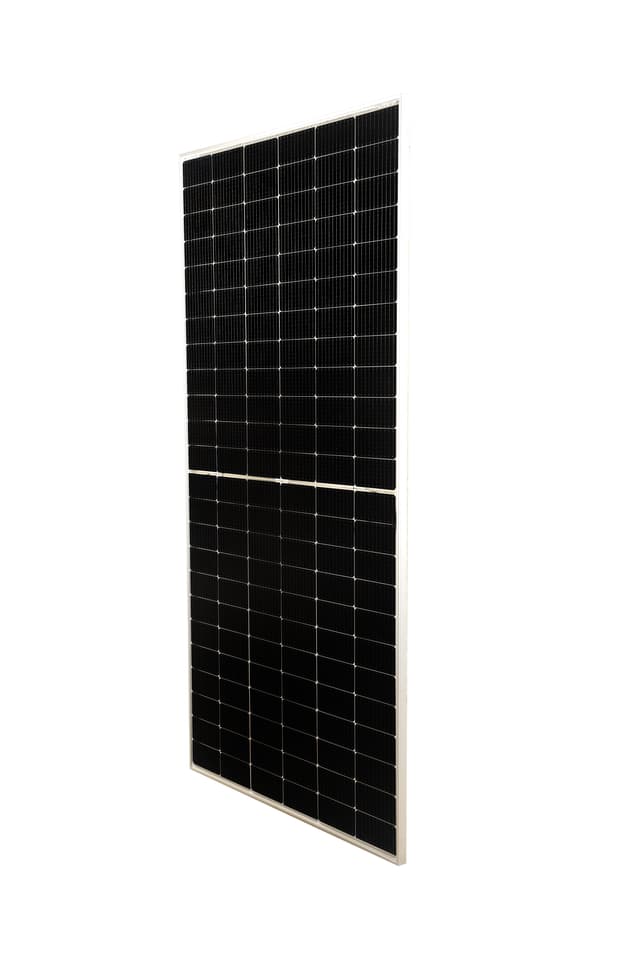
100 pcs
Verified
550W
New Arrival
Novasys Alpha Plus 520–550 Wp
Solar panels

Novasys Alpha Plus 520–550 Wp

IndiaIndia

550Wp MBB M10 Mono PERC Half-Cut Solar PV Module, ...
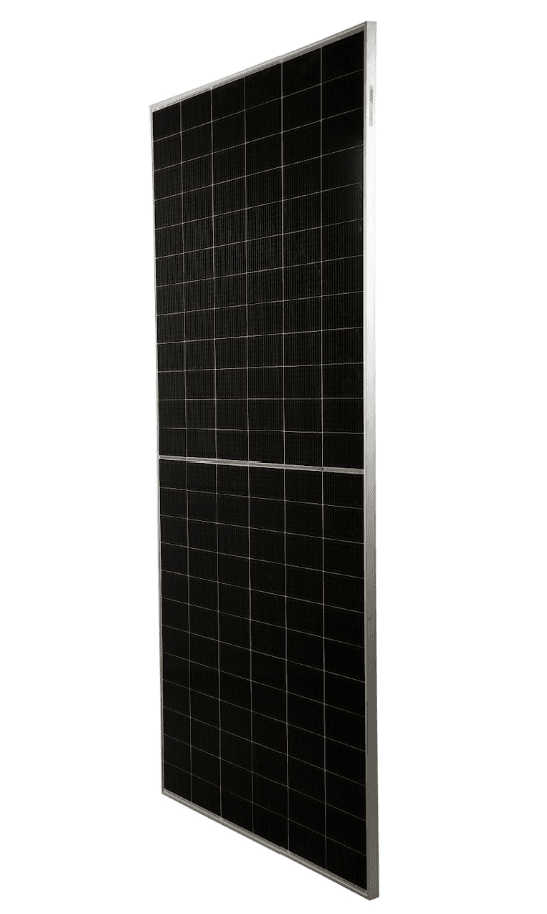
650 pcs
Verified
630W
New Arrival
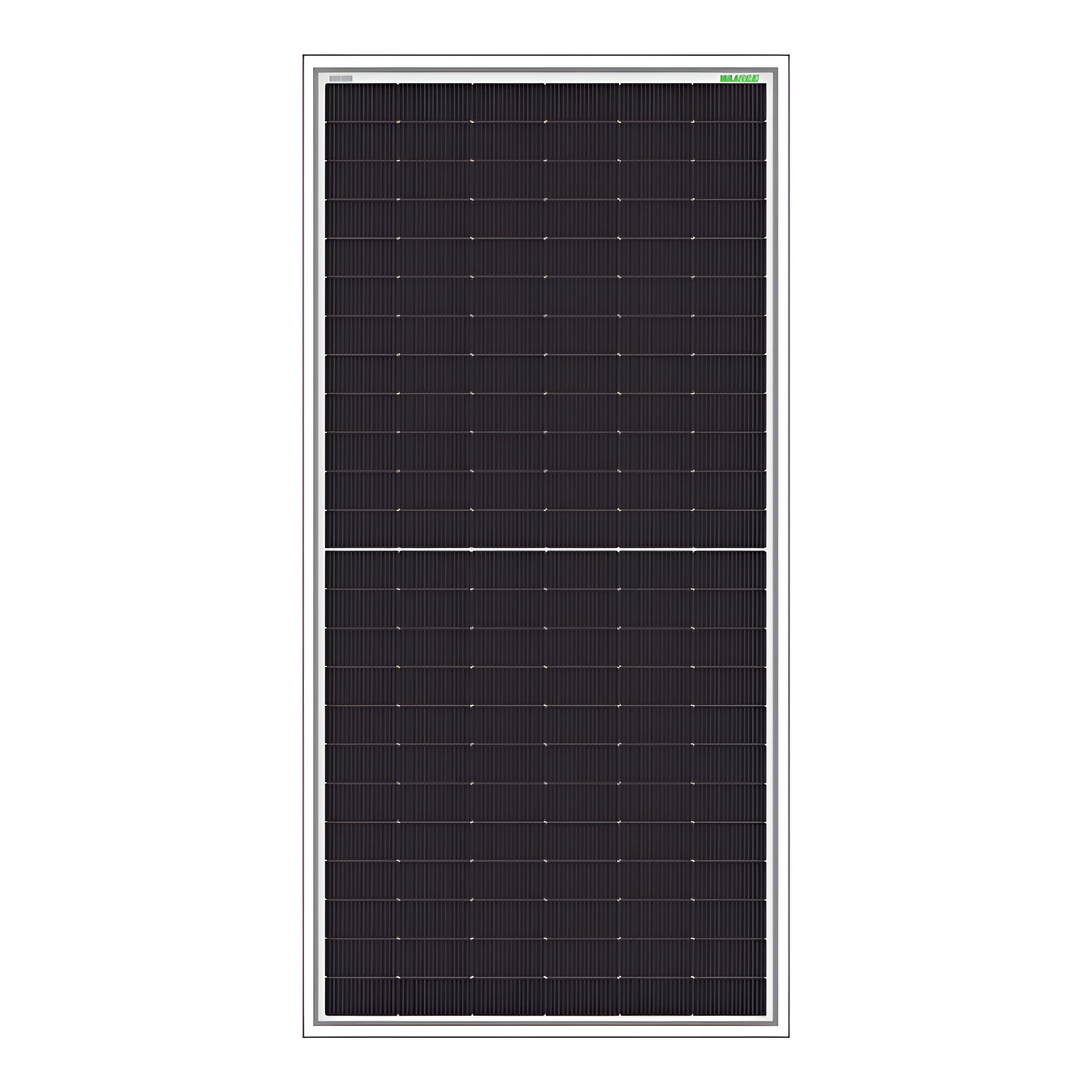
Novasys 630W-N-Type TOPCon, G12R, 132 Cell, 16BB
Solar panels

Novasys 630W-N-Type TOPCon, G12R, 132 Cell, 16BB

IndiaIndia

Latest-generation N-Type TOPCon modules deliver h...
1000 pcs
Verified
50W
New Arrival
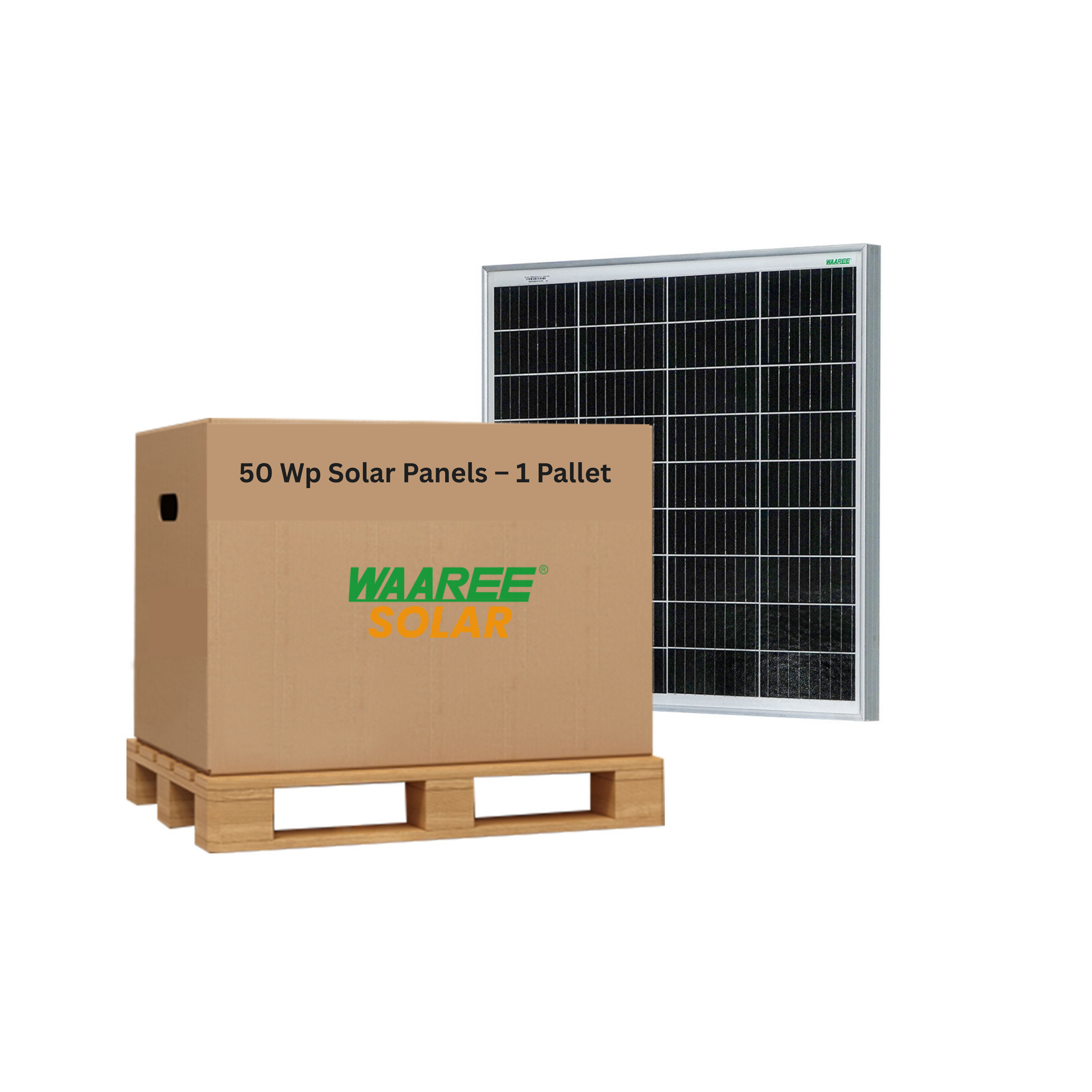
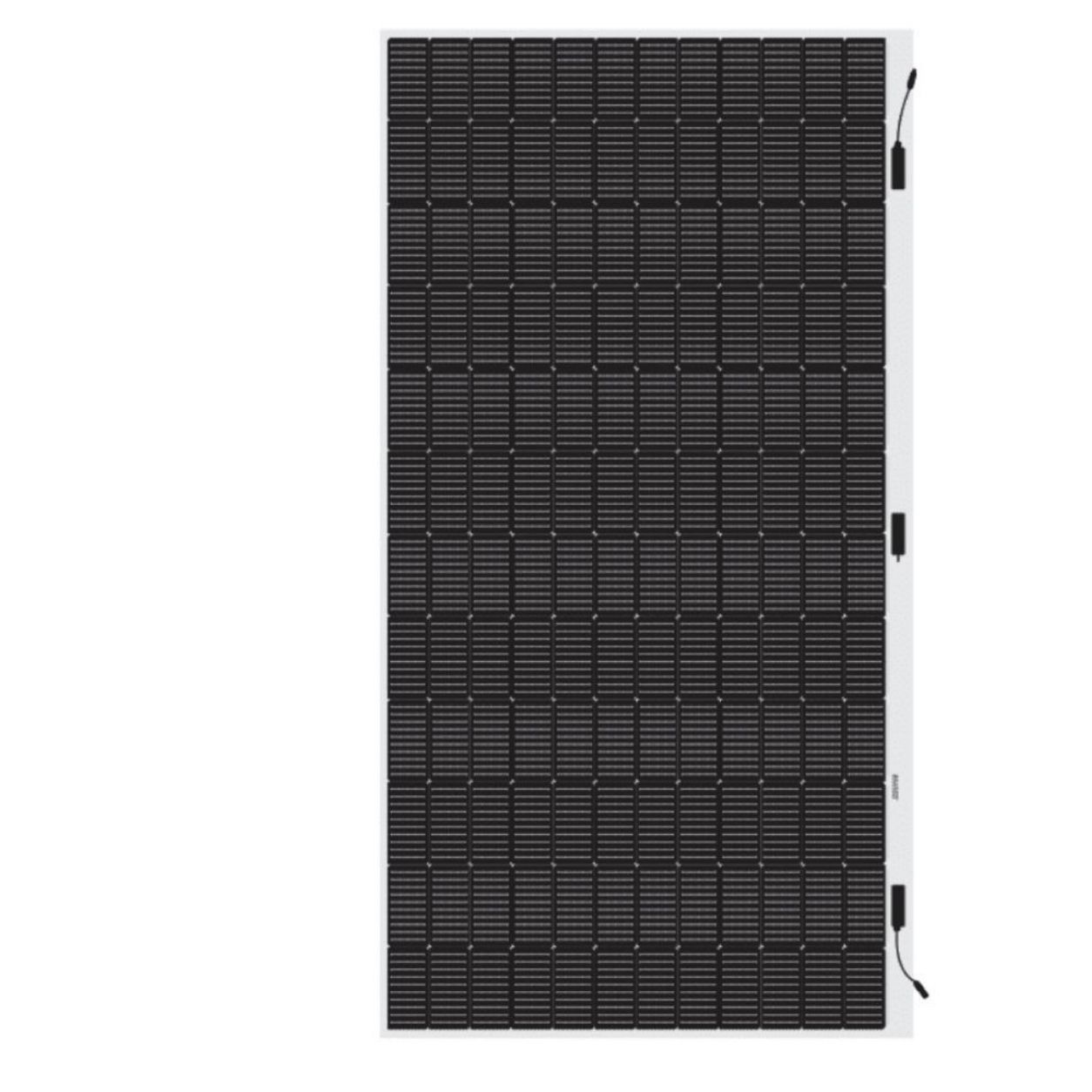
WAAREE 50Wp 12V ARKA Series Framed Solar Panel, 36 Cells – WS-50
Solar panels

WAAREE 50Wp 12V ARKA Series Framed Solar Panel, 36 Cells – WS-50

IndiaIndia

The WAAREE WS-50 is a compact 50Wp, 12V solar phot...
300 pcs

Discount Center

View All

Transforming New Energy Products & Services Trade through DaaS

The Orange Overseas Group: Our Foundation. Established Excellence Since 2013

Orange Overseas FZE is the parent company powering our global solar mission. Founded in 2013 at the Hamriyah Free Zone, we focus on energy management, transition, and efficiency—covering the full New Energy products & services value chain, from ESG initiatives to capacity building. The Group manages six business verticals, each strategically aligned to serve the evolving energy landscape of the Middle East and Africa.

About pv.market

pvmarket is a novel, neutral, transparent, advanced, secure, and highly regulated digital marketplace designed to streamline bulk transactions of PV components. It caters to verified members and facilitates a trustworthy environment for sellers and buyers to engage in regular trade with assurance. Available across cloud services, Android, and iOS, access is granted solely to registered users, echoing the stringent, fair practices of stock exchanges and paving the way for the digitization of solar energy trading.

Looking ahead, pvmarket aims to expand its portfolio to include a broader range of renewable energy products and services, such as carbon trading and cross-border energy trade, making it a central hub for the green economy.

Orange Logo
Power & Sun
Power & Sun
Areemss
Areemss
PnS 1
PnS 1
pv.market
pv.market
hoomi
hoomi

pvmarket for solar

The governance of pvmarket demands a dynamic, cohesive, and flexible management structure dedicated to safeguarding equitable operations and catering to the EMEA region, the platform is supported by a highly competent management team both online and offline. In addition, pvmarket will serve as a reservoir of insights from thought leaders and key industry participants.

Our Brand Partners

ACDC
AlpSolarr
Astronergy
Canadian Solar
Deye
EcoFlow
Fimer
Focus
Goodwe
Hailei
Horay
Hoymiles
HyxiPower
INVT
Ingeteam
Ipvisola
Jakson Solar
Jinko Solar
Juncess
Kaco
Kingdom Solar
MK Energy
Menred
Mibet Energy
Morningstar
Mysolar
NSDS
Novasys
OSDA
Onyx Line
Pattern
Philips
Polaris
Power & Sun
Pulsar
Q-Sun Solar
RECOM Technologies
RR Solar
Rainwise
Red Solar
RenePV
Risen Energy
Ronma Solar
Runergy
S-5
SG Power
SINENG
Safe Plus Group
Saj
Schneider
Seraphim
Sofar
Sofar
Solar N Plus
Solplanet
Sosen
Stäubli
Su-Kam
Sunergy
Sunnect Solar
Sunpro Power
Sunrain
Suntech
TCL Solar
TINSE
Tongwei  Solar
Ulica Solar
Waaree
Weidmuller
Yuger Power
Ziewnic
Zonergy
Growatt
SMA
Western CO
JA Solar
Longi Solar
Trina Solar
Huawei
Sungrow
Genixgreen
Auxsol
Solis
APAR
Dyness
Bluetti
Cando Solar
clenergy
BYD
DAS Solar
Chisage-ESS
Eastups
Ecolink
Elmex
GCC Energy
East Champ
GCL
German National Solar
Amaron Quanta

B2B Solar Equipment Marketplace in India

Source solar panels, on-grid inverters and batteries from India-market listings on PV.market. Compare exact models and documents, then request a business quote.

Compare Solar Equipment in the India Market

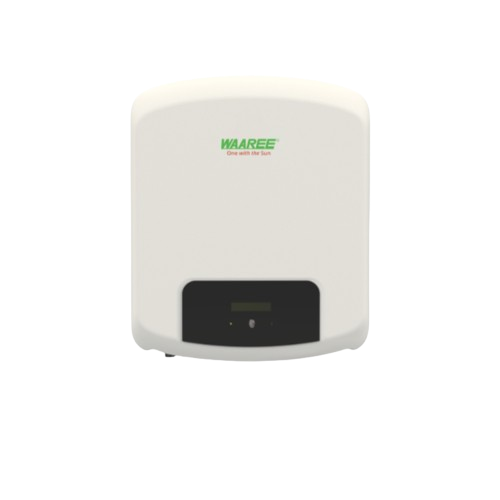
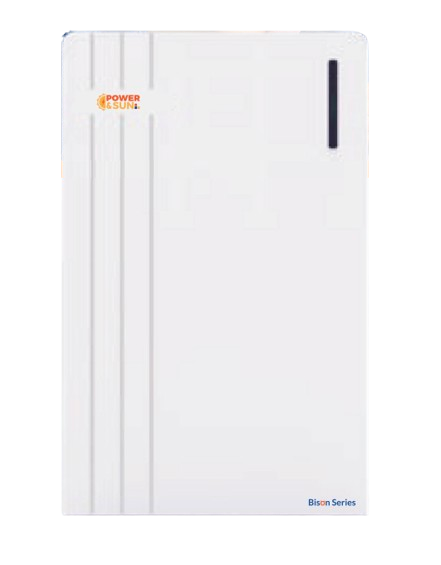
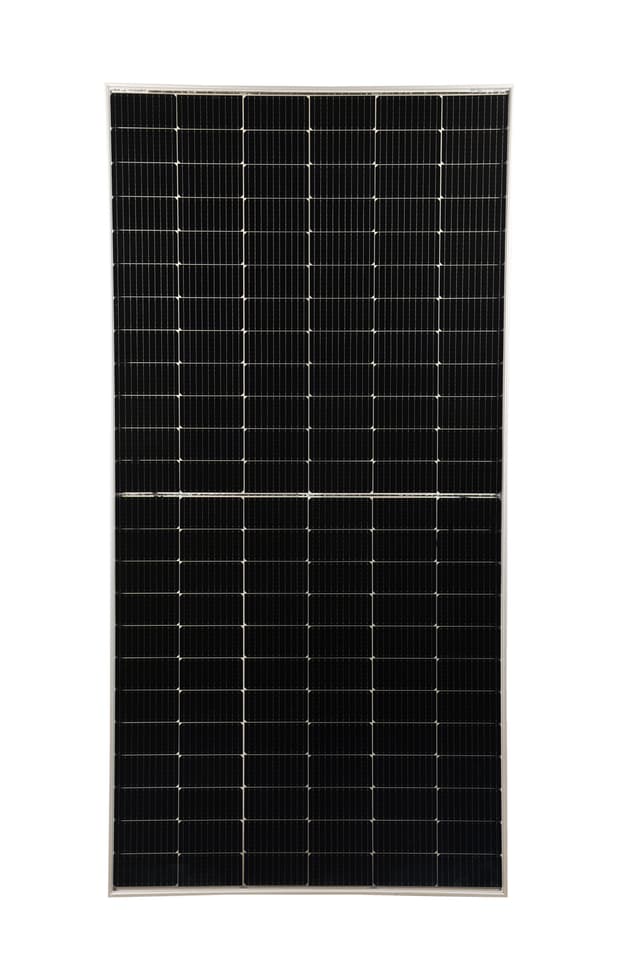
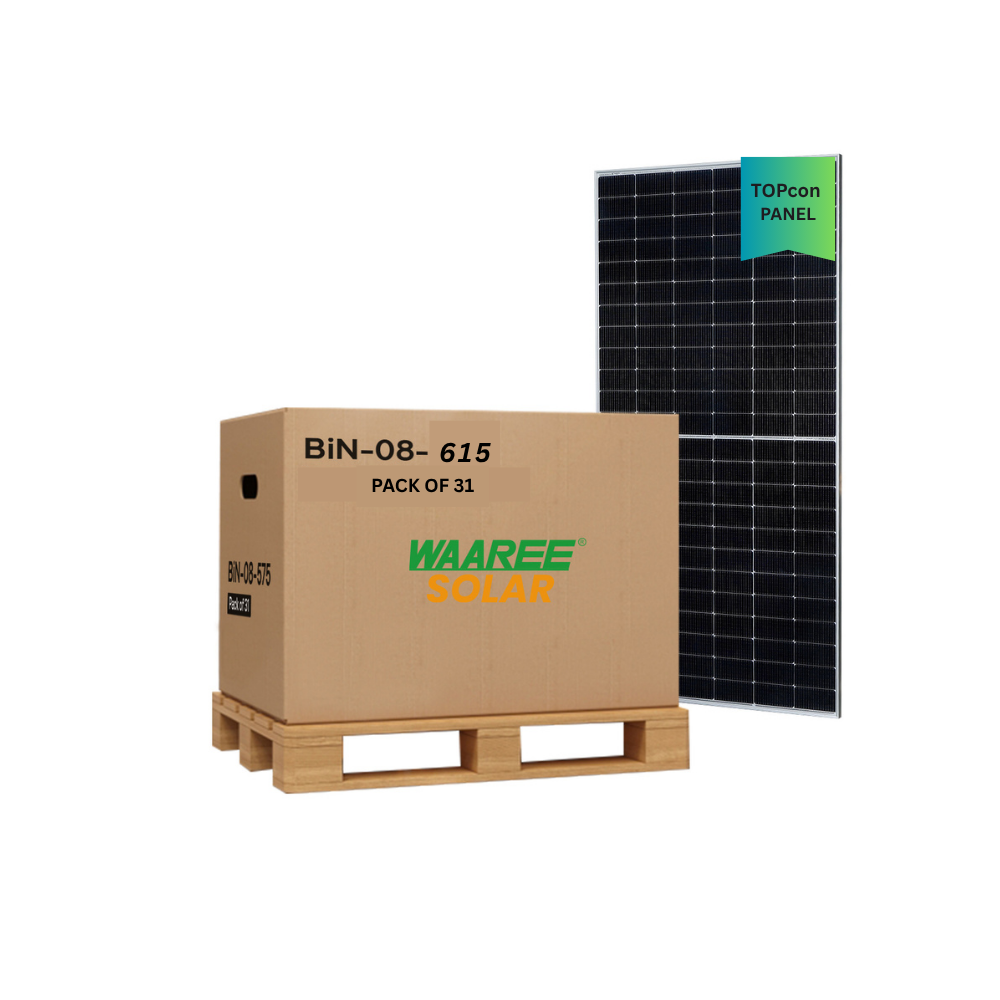
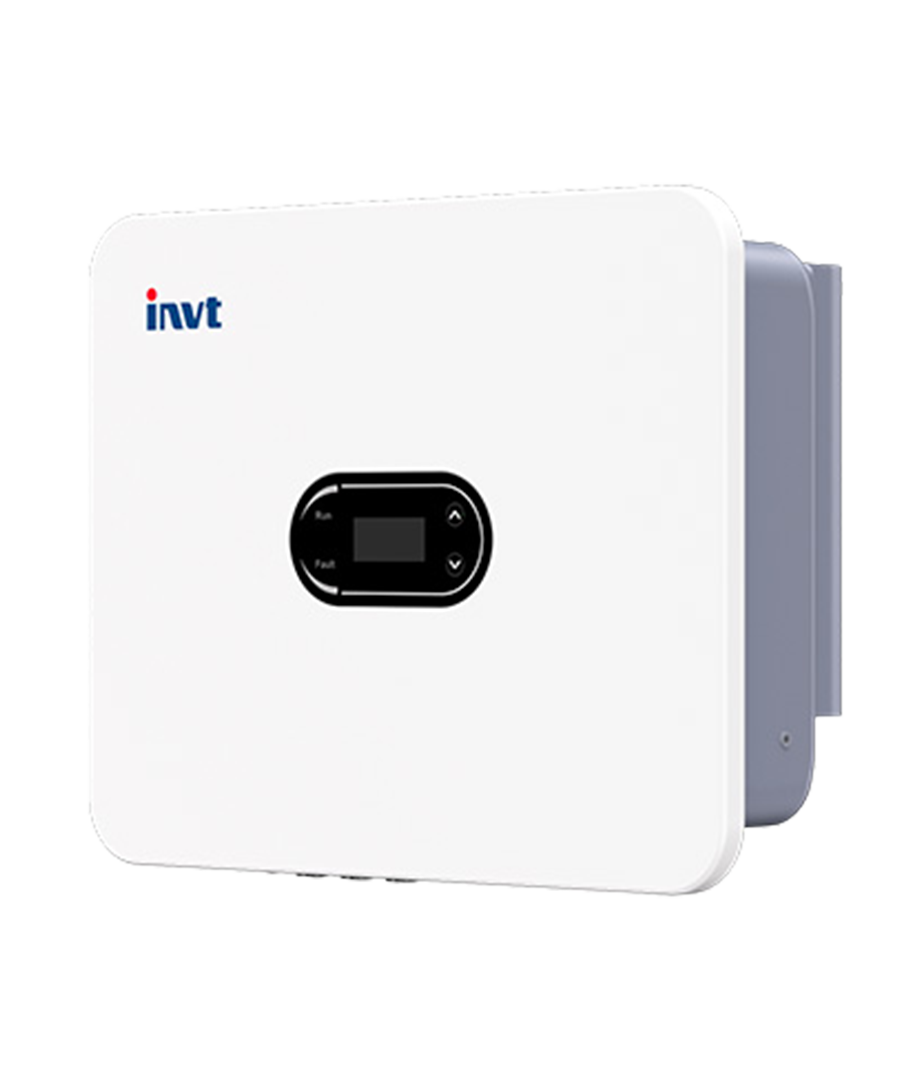
Explore India-market listings for PV modules, on-grid inverters and battery storage. The homepage features Waaree, Novasys and Jakson Solar modules, a Waaree F-Series inverter and a Bison Series battery. Compare the full model code and supporting documents for each offer.


Open the product page to compare the exact model, rating, quantity and datasheet revision. Confirm compatibility and any project-specific certification requirements. A market listing does not establish manufacturing origin, guaranteed stock, delivery eligibility or final commercial terms.


Use Request for Quote to add one or more products, enter buyer and delivery details, and review the combined enquiry. State the quantity and unit, destination and required timing. Sellers can register and prepare accurate model, stock and document information. The platform FAQs below explain the workflow.

Frequently Asked Questions

What is PV.market?
PV.market is a B2B marketplace for sourcing and offering solar equipment. Buyers can browse product listings, compare exact models and request quotations. Manufacturers, distributors and other sellers can register to offer equipment through the platform.
How do I choose a market and find brands?
Use the market selector, then browse All Categories or Brands. The selected market filters marketplace offers; it does not prove manufacturing origin or delivery eligibility. Open each listing to check its location, model, documents and current commercial details.
How do I search for the equipment I need?
Search by brand, model code or equipment type, or open PV Modules, Inverters, ESS or BOS. Use the available catalogue filters to narrow results. Compare the same technical specification and check the product page rather than relying only on its card or photograph.
How do I register as a buyer or seller?
Open Register and choose the account type that matches your role. Complete the required contact and business details and follow the verification instructions shown. Use an email address you monitor. Account registration is separate from submitting an RFQ, which the current form supports without login.
How can sellers prepare an offer?
Register as a seller and follow the listing controls available to your account. Prepare the exact manufacturer/model, specifications, current quantity and unit, location, lead time, price basis and applicable product documents. Confirm the current import format with the team before using a bulk stock file.
How should buyers compare offers?
Compare exact model codes, ratings, quantities and units, included accessories, product documents, total costs, delivery terms, payment and warranty conditions. Ask the supplier to clarify differences in writing. A lower displayed price alone does not establish that two offers are equivalent.
What product documents should I check?
Match the offered model and rating to the attached datasheet and confirm the applicable edition or revision. Request model-specific compatibility, warranty and certification documents where needed. A marketplace verification badge or a similar product image is not a substitute for project-specific document checks.
How do I start a request for quotation?
Open Request for Quote. The form has three steps: Add products, Buyer details and Review RFQ. Start by selecting the category and subcategory, choosing a brand/model if known, and entering the required quantity with its unit.
Can I request multiple products or an unspecified model?
Yes. Under Add another product to this RFQ, choose a category to add a separate equipment line. Use Duplicate item for a similar requirement and Remove item for an unwanted line. Leave No specific model preference selected or choose Other model / enter requirements when the exact model is not fixed.
Where do I enter delivery and commercial requirements?
In Add products, select Country of delivery and review Incoterms. Open Additional details (optional) for the destination port/city, required delivery date, payment terms, target currency, Quote needed by and Additional requirements / notes. Keep the quotation deadline separate from the delivery date.
How do I enter buyer details and review my RFQ?
Choose Continue to buyer details. Enter Contact person, Email and Phone / WhatsApp with the country calling code, then add Company name and review Buyer type as applicable. Choose Review combined RFQ. Check Product line items, Buyer information and Delivery & commercial terms; use Edit items, Edit buyer or Edit delivery to make corrections.
What happens after I choose Submit RFQ?
The page states that an RFQ reference is assigned after successful submission and describes a PDF copy. Save the confirmation reference and any PDF download offered. If confirmation does not appear, check with the trade desk before submitting the same requirement again. Use the reference for follow-up.
Does an RFQ reserve stock or confirm an order?
No. An RFQ is a request for a quotation. Confirm the supplied model, stock allocation, final price, payment, warranty and delivery conditions through the resulting quotation and commercial agreement before ordering. A listed quantity or lead time can change.
How should I specify pieces, pallets, containers or cable lengths?
Check the unit beside every quantity. For pallets or containers, ask for the model-specific packing quantity. Distinguish cable metres from rolls and individual connectors from pairs. If the form lacks the required unit, explain the exact quantity and unit in the notes and ask the trade desk to confirm it in the quotation.
Where can I find step-by-step buyer and seller guides?
Open Blogs from the site navigation. Look for the buyer registration guide, Solar Equipment RFQ Checklist, supplier quotation comparison guide, exact-model and document checklist, and order/delivery follow-up guide. Sellers can use the registration and offer-evidence guides. These resources support preparation; they do not place orders.

Who should I contact about an enquiry, order or delivery issue?
Use Contact Us or Customer Support on PV.market. Include the RFQ, quotation or order reference and a clear description of the question. For a delivery discrepancy, prepare the relevant item codes, quantities and supporting records for the team handling your enquiry.
Can I use PV.market on mobile?
You can access the website on a mobile browser. The site also provides links to its Android and iOS apps. Use the official store links shown on PV.market and check the functions available in your installed app version.

Cookie preferences

We use cookies to improve site functionality, analyze traffic, and personalize marketing. You can accept all cookies or manage your preferences. Read our Privacy and Cookies Policy.